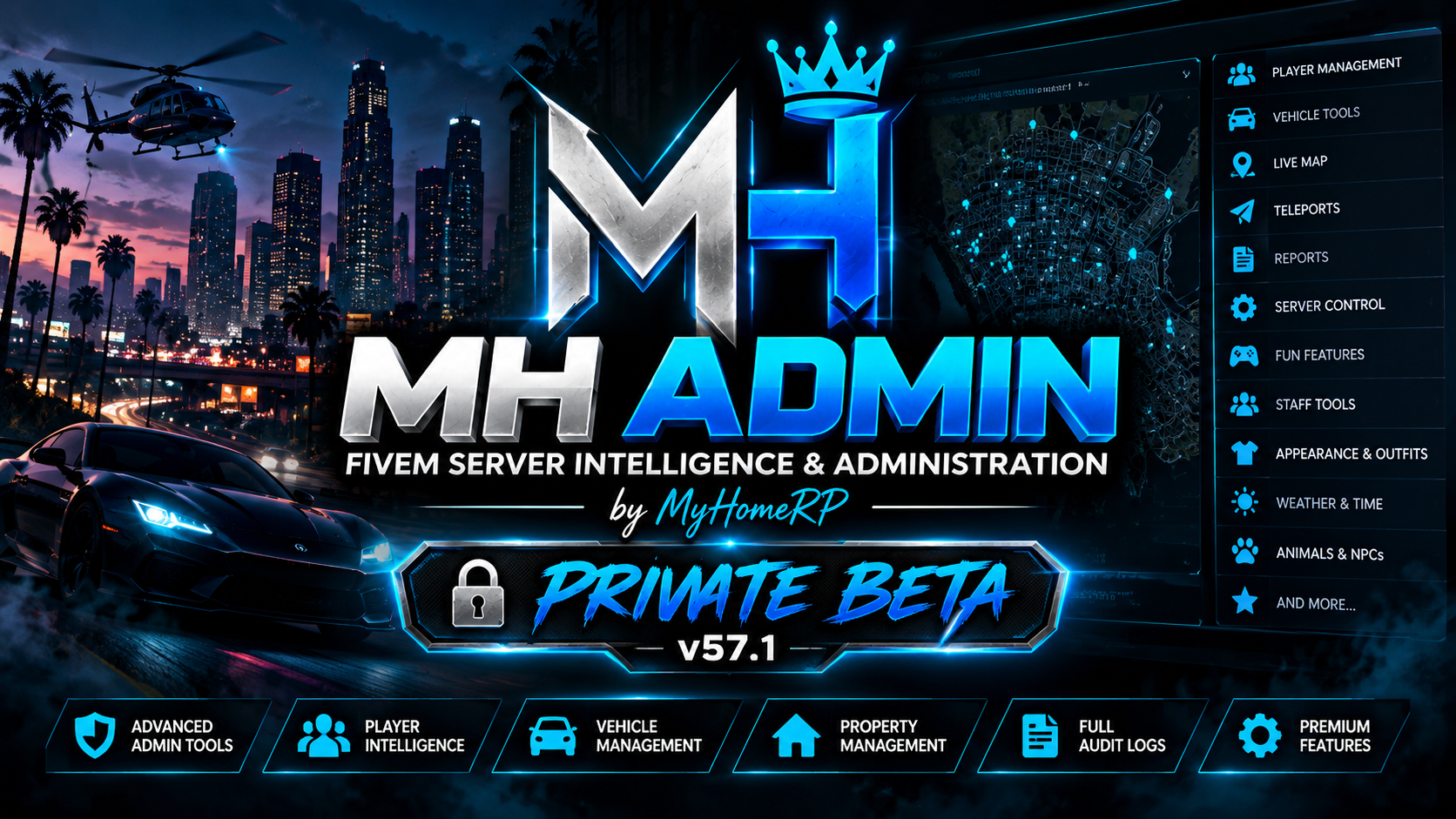
MH Admin – Private Beta
Welcome to MH Admin.
Premium FiveM Server Intelligence & Administration
MH Admin v57.1 — Private Beta
Developed by MyHomeRP
Take control of your FiveM server with MH Admin, an advanced administration, security, investigation, and server intelligence platform.
Built for FiveM server owners and staff teams who need powerful administrative tools, detailed player intelligence, operational monitoring, and a professional management interface.
MH Admin brings essential server administration features together in one unified system.
Why Choose MH Admin?
MH Admin goes beyond a traditional admin menu by combining player management, server operations, staff management, investigations, security monitoring, and integration intelligence.
Player Management & Intelligence
- Manage online players using supported administrative actions.
- Search online and offline character records.
- Review player profiles and available character information.
- Investigate linked character records where supported.
- Access connected vehicle and property information.
- Review investigation notes and case histories.
- Organize player investigations through a dedicated workspace.
Server Operations & Monitoring
- Monitor server status and operational information.
- Review connected player information.
- Monitor available server resource information.
- Access administrative dashboards.
- Review supported operational alerts.
- Identify configuration and integration issues.
- Access server diagnostics and health information.
Staff Management & Permissions
- Role-based administrative permissions.
- Permission-controlled administrative actions.
- Staff activity monitoring and accountability.
- Organized staff management tools.
- Administrative audit information.
Security & Investigation Center
- Review supported security incidents.
- Access administrative audit records.
- Create and manage investigation cases.
- Maintain investigation notes.
- Organize evidence records.
- Review supported security and operational events.
Vehicle & Property Intelligence
- Review player vehicle records through compatible integrations.
- Access supported housing and property information.
- Connect available vehicle and property records to player investigations.
Installation Doctor & Integration Intelligence
- Detect supported FiveM resources.
- Identify available framework and resource providers.
- Review integration readiness.
- Diagnose missing dependencies.
- Identify configuration issues.
- Configure supported integration providers.
- Review compatibility information.
Multi-Framework Compatibility
MH Admin includes a Universal Framework Adapter & Integration System, designed to support different FiveM server configurations.
Supported Framework Integrations
- QBCore
- ESX
- Qbox (QBX)
The universal adapter architecture provides framework detection and integration handling for supported configurations.
Compatibility Notice: Feature availability can vary between frameworks, resource versions, and server configurations. Customers should confirm that their required features are supported before purchasing.
Supported Resource Categories
MH Admin includes integration detection and adapter functionality for compatible:
- Inventory systems
- Housing and property systems
- Vehicle databases
- Banking systems
- Dispatch resources
- Appearance systems
- Fuel systems
- Other supported FiveM resources
Some integrations may require additional configuration or specific resource versions.
MH Admin — Private Beta v57.1
Pricing & Taxes
$49.99 USD — Base Price
- One-time purchase.
- No monthly subscription for the base product.
- Applicable taxes may be added depending on the customer’s location.
- The final purchase price will be displayed at checkout.
Installation Requirements
General Requirements
- Working FiveM server
- Supported framework: QBCore, ESX, or Qbox
- “oxmysql”
- Working MySQL/MariaDB database connection
- Appropriate server administration permissions
Additional dependencies may be required for specific frameworks and integrations.
Installation Overview
- Purchase and download your MH Admin package.
- Extract the “MH_Admin” folder into your FiveM server’s “resources” directory.
- Open and review the supplied configuration files.
- Select or configure your supported framework integration.
- Configure compatible resource providers where required.
- Ensure the required framework and database dependencies start before MH Admin.
- Add “MH_Admin” to your server configuration.
- Restart your FiveM server and check for startup errors.
- Configure authorized staff permissions.
- Run the available installation diagnostics.
- Test administrative functions before deploying to a live production server.
Example server.cfg — QBCore
ensure oxmysql ensure qb-core ensure MH_Admin
Example server.cfg — ESX
ensure oxmysql ensure es_extended ensure MH_Admin
Example server.cfg — Qbox
ensure oxmysql ensure qbx_core ensure MH_Admin
Important: These examples show typical startup ordering. Actual requirements depend on your installed framework, the MH Admin build, and any additional integrations. Always follow the installation instructions supplied with your package.
Private Beta Updates
Customers purchasing MH Admin Private Beta v57.1 will receive updates released during the v57.x private beta development cycle at no additional product charge.
Updates may include:
- Bug fixes and stability improvements
- Security improvements
- Framework compatibility updates
- Resource integration improvements
- Interface refinements
- Improvements to existing features
Future major versions, premium editions, or separate products are not automatically included unless explicitly announced.
Official Discord Support
Need help installing MH Admin, configuring integrations, or reporting a problem?
Join Our Discord Community
“JOIN MH ADMIN DISCORD SUPPORT” (https://discord.gg/R3vYFYkjzR)
Our Discord community provides a place for:
- Installation assistance
- Framework configuration questions
- Compatibility enquiries
- Bug reports and troubleshooting
- Private Beta announcements
- Update information
- Feature suggestions
- Customer feedback
Reporting a Problem
Please include:
- Your MH Admin version.
- Your FiveM framework and version.
- Relevant console error messages.
- A description of the issue.
- Steps to reproduce the problem.
Security Notice: Never publicly share passwords, database credentials, license keys, private API keys, or other sensitive information.
Private Beta Information
MH Admin v57.1 is currently a Private Beta release.
The product is under active development. Features, integrations, and compatibility may change as development continues.
Some functionality depends on the framework, installed resources, and server configuration.
Not every feature or third-party integration is guaranteed to work with every server setup.
Customers are encouraged to review compatibility information and contact support with any questions before purchasing.
Help Shape the Future of MH Admin
Your feedback helps us build a better administration platform.
We welcome:
- Feature suggestions
- Bug reports
- Installation feedback
- Framework compatibility feedback
- Interface improvement ideas
- General customer suggestions
Join our Discord community and help shape future MH Admin releases.
Developed by MyHomeRP
MH Admin — FiveM Server Intelligence & Administration
Private Beta v57.1
$49.99 USD Base Price — One-Time Purchase
Framework Integrations: QBCore | ESX | Qbox
“Official MH Admin Discord Support” (https://discord.gg/R3vYFYkjzR)
Thank you for supporting MH Admin by MyHomeRP!